Why a wedding writing pack matters (and what trips people up)
A wedding writing pack is the collection of vows, ceremony scripts, readings, and reception remarks that the couple, officiant, and any speakers will use on the big day. When it’s organized, rehearsed, and printed ahead of time, the ceremony flows smoothly, emotions stay genuine, and last‑minute scrambling disappears.
What usually trips people up is the assumption that “just write something” is enough. In reality, a pack must balance personal voice with clear timing, legal requirements, and the practicalities of a live event. Couples often scramble to edit last minute, forget to include transition cues, or end up with duplicate content because they haven’t mapped the whole flow. A well‑crafted pack eliminates those headaches and lets everyone focus on the moment instead of the manuscript.
Step by Step
- Gather all contributors
- List everyone who will speak (officiant, parents, best man, maid of honor, etc.).
- Ask each person for a draft by a set deadline (usually three weeks before the wedding).
- Create a shared folder (e.g., a cloud drive) and name files consistently:
01_Officiant_Script.docx,02_Brides_Vows.docx, etc.
- Outline the ceremony timeline
- Write a one‑page timeline that notes start time, each segment, and approximate length (e.g., “Processional – 3 min”, “Vows – 2 min each”).
- Include non‑verbal cues such as music changes or lighting shifts. This timeline becomes the backbone of the pack.
- Draft each piece
- Encourage contributors to keep their drafts under 300 words unless a reading is a full poem.
- Use a simple template (see the next section) so every document has the same header (title, speaker, page number).
- Ask writers to flag any legal language (e.g., “I do” wording required by the state) so you can verify compliance later.
- Edit for tone, length, and flow
- Read every piece aloud. If a paragraph feels clunky or a sentence stalls, tighten it.
- Check that the total speaking time matches the timeline; trim or expand as needed.
- Ensure consistent terminology (e.g., “partner” vs. “spouse”) across all sections.
- Add transition notes
- Between each speaker, insert a bracketed cue:
[Cue: music fades in – “Canon in D”]. - Note any required pauses (e.g., “Pause 30 seconds for ring exchange”).
- These cues keep the officiant and MC on the same page without having to memorize the entire script.
- Between each speaker, insert a bracketed cue:
- Design the final pack
- Choose a clean, legible typeface (e.g., Garamond 12 pt for body, 14 pt for headings).
- Insert page numbers in the footer, and a header that reads “Wedding of Alex & Maya – Ceremony Script”.
- Export to PDF to lock formatting, then print two copies for the officiant and one for the couple’s reference.
- Run a rehearsal
- Schedule a 30‑minute run‑through with the officiant and at least two speakers.
- Use the printed pack; note any missed cues or awkward phrasing.
- Revise the PDF accordingly and re‑print the final version at least 48 hours before the wedding.
A Simple Structure to Follow
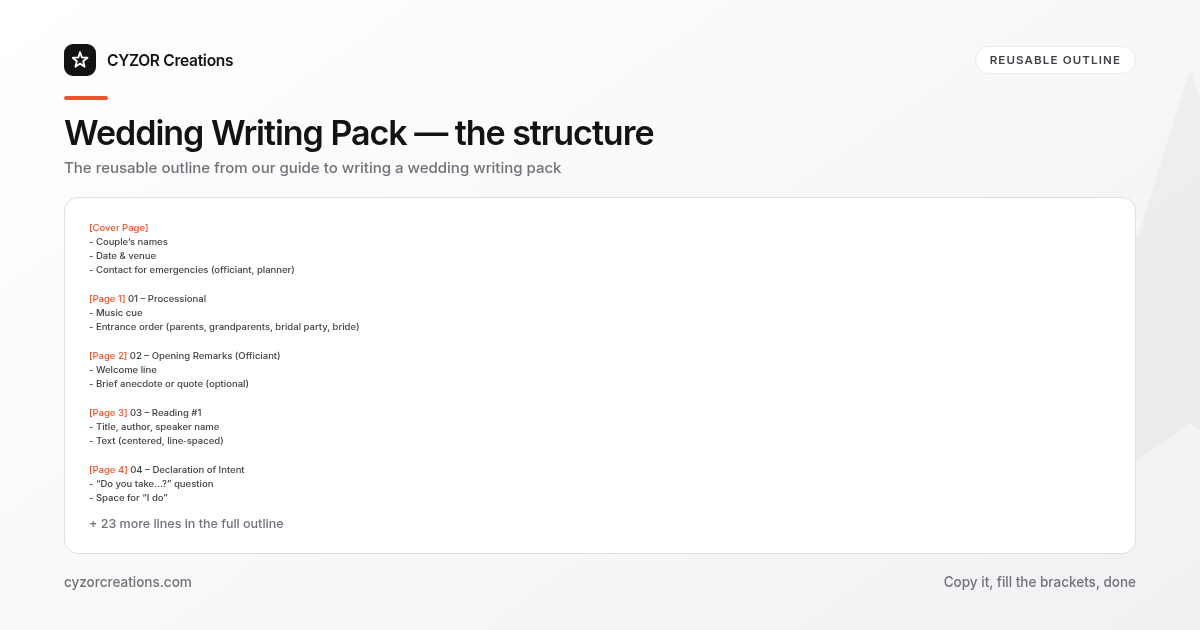
[Cover Page]
- Couple’s names
- Date & venue
- Contact for emergencies (officiant, planner)

[Page 1] 01 – Processional
- Music cue
- Entrance order (parents, grandparents, bridal party, bride)

[Page 2] 02 – Opening Remarks (Officiant)
- Welcome line
- Brief anecdote or quote (optional)

[Page 3] 03 – Reading #1
- Title, author, speaker name
- Text (centered, line‑spaced)

[Page 4] 04 – Declaration of Intent
- “Do you take…?” question
- Space for “I do”

[Page 5] 05 – Vows (Bride)
- Full text, left‑aligned
- Space for “I promise…”

[Page 6] 06 – Vows (Groom)
- Same format as bride

[Page 7] 07 – Ring Exchange
- Cue for music
- Short script (“With this ring…”) and pause

[Page 8] 08 – Reading #2 (optional)

[Page 9] 09 – Closing Remarks (Officiant)
- Pronouncement
- Invitation to kiss

[Page 10] 10 – Recessional
- Music cue
- Exit order

[Back Cover] Emergency contacts & thank‑you note
Stick to this order for every wedding; you can drop or add sections, but keep the numbering and headings identical. That consistency lets the officiant flip pages without hesitation.
Common Mistakes to Avoid
- Over‑loading the pack with long poems – a 10‑line excerpt is more effective than a full‑page recital.
- Leaving out legal wording – missing the “I do” clause can invalidate the marriage in some jurisdictions.
- Skipping page numbers – without them, the officiant may lose their place during a nervous moment.
- Using inconsistent fonts or spacing – visual chaos distracts speakers and looks unprofessional.
- Forgetting to proofread names – a typo in a parent’s name or the venue address is embarrassingly obvious.
A Short Example
Page 4 – Declaration of Intent

Officiant:
“Alex, do you take Maya to be your lawfully wedded partner, to share in joy and sorrow, to grow together in love, and to honor her as your equal for the rest of your life?”

Alex:
“I do.”

Officiant:
“Maya, do you take Alex to be your lawfully wedded partner, to share in joy and sorrow, to grow together in love, and to honor him as your equal for the rest of your life?”

Maya:
“I do.”

[Pause 30 seconds for ring exchange – cue: “A Thousand Years” fades in]
Notice the clear question, the brief pause cue, and the symmetrical wording for both partners. The script is ready to be read without improvisation.
Pro Tips
- Create a master spreadsheet that logs each speaker, their deadline, word count, and status (draft, edited, final). A simple Excel file with columns
Name | Role | Deadline | Word Count | Statuskeeps the project on track. - Print a “quick‑look” cheat sheet for the officiant: a one‑page list of speaker names, cue music, and timing. It’s a lifesaver if the main PDF gets misplaced.
- Use a “no‑edit” rule after the rehearsal. Once the run‑through is complete, lock the PDF and only allow typographical corrections. This prevents last‑minute rewrites that can cause confusion.
- Add a “silent cue” for the couple after the vows—e.g., a subtle hand signal from the best man—to remind them to breathe before the ring exchange. Small non‑verbal prompts keep the rhythm natural.
- Back up the final PDF in three places: a cloud drive, a USB thumb drive, and a printed copy in a sealed envelope. If a venue’s Wi‑Fi fails, the printed version is still usable.