Why a SOP Pack Matters – and What Trips People Up
A Standard Operating Procedure (SOP) pack is the single source of truth a team uses to run a process consistently, train newcomers, and pass audits without sweating. When the pack is clear, you spend minutes, not hours, looking up the right form or the exact sequence of steps. When it’s vague, you’ll see duplicated effort, missed deadlines, and endless “who‑does‑that?” emails.
Most people stumble on two things: scope creep (trying to cram every possible exception into one document) and readability (dense prose that no one will actually follow). The guide below shows you how to keep the pack tight, searchable, and easy to maintain.
Step by Step
- Define the audience and purpose
Ask: Who will read this SOP? New hires, auditors, or senior staff? What decision does the SOP support (e.g., “release a product version” or “process a customer refund”)? Write a one‑sentence purpose statement that answers both questions.
- Gather the existing knowledge
Interview: the current owner of the process, the person who does it daily, and a stakeholder who receives the output. Record the exact sequence of actions, tools used, and any required approvals. Capture any “work‑arounds” that have become de‑facto steps.
- Map the workflow visually
Sketch a flowchart on paper or a whiteboard. Identify start points, decision nodes, parallel tracks, and end points. This visual will become the “Process Overview” diagram in the SOP pack and helps you spot unnecessary loops.
- Write the draft in plain language
Use active voice (“Submit the request” instead of “The request is submitted”). Keep sentences under 20 words. Number each action (e.g., 3.1, 3.2) so readers can reference them quickly. Include only what is required to achieve the outcome; ancillary tips belong in a “Notes” section.
- Create supporting artifacts
Attach a template form, a screenshot of the software screen, or a sample email. Name each file consistently, e.g., SOP_Refund_Form_v2024.pdf. Reference these artifacts in the text (“see Attachment A”).
- Review, test, and revise
Have a colleague who has never performed the process follow the draft step‑by‑step. Time the run, note any confusion, and ask for clarification on ambiguous wording. Incorporate feedback, then repeat the test until the process can be completed without external help.
- Publish and version‑control
Save the final pack in a read‑only folder with a clear naming convention, such as SOP_Refund_Process_2024-07_v01.pdf. Increment the version number each time a change is approved. Add a “Revision History” table at the front so readers can see what changed and why.
A Simple Structure to Follow
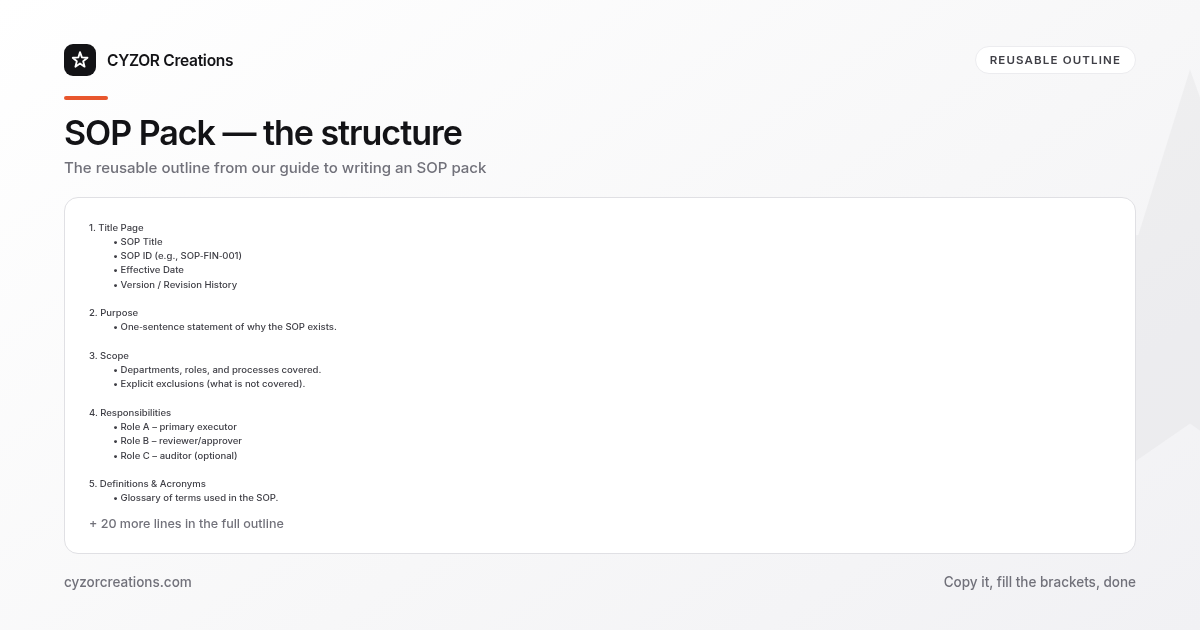
Below is a reusable outline you can copy into any new SOP pack. Keep each heading at the same level across documents to aid navigation.
1. Title Page
 • SOP Title
 • SOP ID (e.g., SOP‑FIN‑001)
 • Effective Date
 • Version / Revision History

2. Purpose
 • One‑sentence statement of why the SOP exists.

3. Scope
 • Departments, roles, and processes covered.
 • Explicit exclusions (what is *not* covered).

4. Responsibilities
 • Role A – primary executor
 • Role B – reviewer/approver
 • Role C – auditor (optional)

5. Definitions & Acronyms
 • Glossary of terms used in the SOP.

6. Process Overview
 • Flowchart diagram (high‑level).

7. Detailed Procedure
 7.1. Step 1 – description
 7.2. Step 2 – description
 …
 7.n. Decision points (If/Else logic)

8. Attachments
 • Attachment A – Form template
 • Attachment B – Sample email
 • Attachment C – System screenshot

9. Records & Retention
 • What records must be kept, format, and retention period.

10. Revision History
 • Version | Date | Author | Change Summary
Copy‑paste this skeleton into a new document, then fill in each section. The uniform layout makes it trivial to locate the “Responsibilities” or “Records” part across dozens of SOPs.
Common Mistakes to Avoid
- Over‑loading with policy language – SOPs are “how‑to” guides, not policy manuals. Keep policy references to a separate document.
- Leaving out decision criteria – When a step says “approve if…”, spell out the exact criteria (e.g., “amount ≤ $5,000 and no pending disputes”).
- Using jargon without definition – Acronyms like “EOD” must be defined in the glossary; otherwise new hires will stall.
- Skipping the test run – Publishing without a dry‑run invites errors that later become “known issues”.
- Neglecting version control – Updating a paragraph without changing the version number leads to confusion during audits.
A Short Example
> SOP Title: Customer Refund Process – SOP‑FIN‑001
> Effective Date: 2024‑07‑01
> Version: v01
>
> Purpose
> Process refunds for returned merchandise in a way that protects revenue and complies with consumer‑rights law.
>
> Scope
> Applies to all sales orders processed through the online store. Does not cover warranty claims (see SOP‑FIN‑005).
>
> Responsibilities
> - Customer Service Rep (CSR) – initiates refund request.
> - Finance Analyst – validates amount and authorizes payment.
> - Warehouse Lead – confirms receipt of returned item.
>
> Detailed Procedure
> 1. CSR receives return request via email.
> 2. CSR logs the request in the Refund Tracker (Attachment A).
> 3. Warehouse Lead inspects the returned product within 48 h.
> - If the item is damaged, mark “Reject” and notify the customer (see Template B).
> - If the item is acceptable, change status to “Approved”.
> 4. Finance Analyst reviews the “Approved” entry, checks that the original payment method matches, and confirms the amount does not exceed the $5,000 threshold.
> 5. Finance Analyst processes the refund through the payment gateway and records the transaction ID in the tracker.
> 6. CSR sends the confirmation email (Template C) to the customer, attaching the transaction receipt.
The example follows the skeleton, uses numbered actions, and references attachments that live alongside the SOP pack.
Pro Tips
- Use a “Last Updated” banner on every page – A small footer that reads “Version v01 | Updated 2024‑07‑01” reminds readers they are looking at the current edition.
- Add a searchable keyword index – At the end of the SOP, list terms like “refund”, “approval”, “return” with page numbers. This speeds up ad‑hoc look‑ups.
- Lock the master file, but keep a “draft” copy – Store the official SOP in a read‑only location; maintain a separate editable draft for future revisions. This prevents accidental overwrites.
- Schedule a quarterly audit – Assign a rotating team member to verify that each step still matches the system UI and that attachments are still accessible.
- Embed a “quick‑reference” cheat sheet – One page with only the critical actions (e.g., “Approve ≤ $5k → Finance Analyst”) can be printed and posted at the workstation for fast access.
The result: less time spent hunting for information and more time delivering consistent results.