Why a White Paper Still Matters – and What Trips People Up
A white paper is the bridge between a problem and a solution that convinces decision‑makers to act. It’s not a sales brochure; it’s a research‑driven argument that shows you understand the issue, have data to back your claims, and can guide the reader to a clear recommendation.
Most first‑time writers stumble on three things:
- Scope creep – trying to cover everything and ending up with a vague, endless document.
- Weak evidence – sprinkling anecdotes where hard data belong, which erodes credibility.
- Structure fatigue – jumping between background, analysis, and recommendation without a logical flow, leaving readers confused about the main take‑away.
The guide below walks you through a repeatable process that keeps the paper tight and data-rich.
Step by Step
- Define the audience and objective
- Write a one‑sentence “mission statement” that captures the decision you want the reader to make (e.g., “Convince senior procurement officers to adopt a cloud‑first sourcing strategy”).
- List the primary audience’s role, knowledge level, and pain points. This will dictate tone, jargon, and the depth of technical detail.
- Research and gather evidence
- Assemble at least three sources for every major claim: industry reports, peer‑reviewed studies, or internal analytics.
- Create a spreadsheet with columns for source, key finding, relevance, and page number. This makes citation quick and prevents cherry‑picking.
- Draft a detailed outline
- Use the template in the next section (A Simple Structure to Follow). Fill each heading with bullet points that map directly to your evidence spreadsheet.
- Highlight any gaps where you need additional data; schedule a mini‑research sprint to fill them before you write full paragraphs.
- Write the first draft in “chunks”
- Tackle one section at a time, aiming for 300‑400 words per chunk.
- Start each paragraph with a claim, follow with data, and finish with a brief interpretation (“Because X, Y follows”). This three‑sentence pattern keeps prose focused.
- Insert visuals and citations
- For every 250 words of text, include one visual—chart, table, or diagram—that illustrates the point.
- Use a consistent citation style (e.g., footnote numbers) and keep a master bibliography file.
- Edit for clarity and impact
- Perform two passes: first for logic (does each claim flow to the next?), second for language (remove passive voice, replace vague adjectives).
- Read the draft aloud; any sentence that trips you up is likely to trip the reader.
- Finalize formatting and executive summary
- Convert the document to PDF with searchable text and embedded fonts.
- Write a 150‑word executive summary that mirrors the mission statement, key findings, and recommendation. Place it at the very front, after the title page, so busy executives can skim it in under a minute.
A Simple Structure to Follow
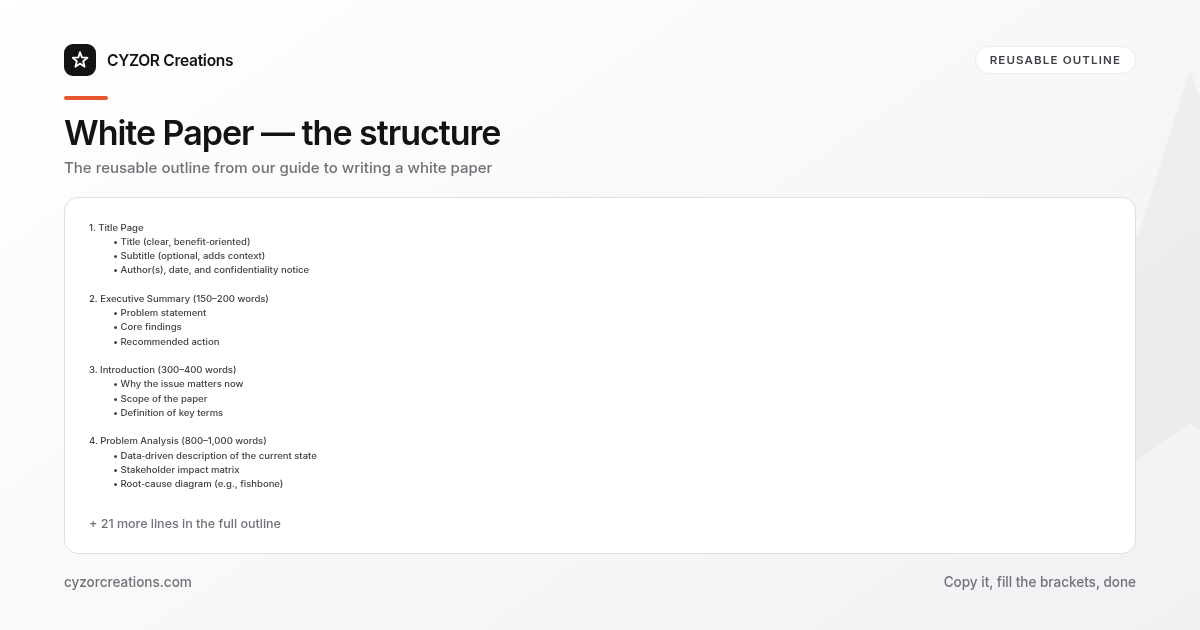
1. Title Page
 • Title (clear, benefit‑oriented)
 • Subtitle (optional, adds context)
 • Author(s), date, and confidentiality notice

2. Executive Summary (150–200 words)
 • Problem statement
 • Core findings
 • Recommended action

3. Introduction (300–400 words)
 • Why the issue matters now
 • Scope of the paper
 • Definition of key terms

4. Problem Analysis (800–1,000 words)
 • Data‑driven description of the current state
 • Stakeholder impact matrix
 • Root‑cause diagram (e.g., fishbone)

5. Solution Options (600–800 words)
 • Option A: description, pros, cons, cost estimate
 • Option B: description, pros, cons, cost estimate
 • Option C: description, pros, cons, cost estimate

6. Recommendation (400–500 words)
 • Chosen option with justification
 • Implementation roadmap (timeline, milestones, responsible parties)
 • Risk mitigation plan

7. Conclusion (150–200 words)
 • Recap of key points
 • Call to action

8. Appendices
 • Full data tables
 • Methodology notes
 • Glossary

9. Bibliography
 • All sources cited in the paper
Copy this skeleton into a new document and replace each placeholder with your own content. The consistent hierarchy (H1 for sections, H2 for subsections) makes navigation easy for both humans and PDF search tools.
Common Mistakes to Avoid
- Over‑loading the executive summary – cramming every detail defeats its purpose; keep it to the headline findings and the single recommendation.
- Using jargon without definition – terms like “zero‑trust” or “micro‑segmentation” must be explained for non‑technical readers.
- Neglecting counter‑arguments – ignoring plausible objections signals bias; address at least one major objection per solution option.
- Relying on a single data source – even reputable reports can be outdated; cross‑check with at least two independent sources.
- Skipping the review loop – sending the draft to only one colleague often misses blind spots; involve a subject‑matter expert and a senior editor.
A Short Example
> Executive Summary
> The manufacturing sector’s energy costs have risen 18 % year‑over‑year, eroding profit margins for midsize firms. Our analysis of 12 months of utility data (see Appendix A) shows that 62 % of excess spend stems from idle equipment during off‑peak hours. Implementing a demand‑response automation platform reduces idle time by 45 % on average, delivering a projected ROI of 3.8 years. We recommend piloting the platform at Plant 3, where baseline consumption is highest, and scaling to the remaining facilities within 18 months.
> Recommendation
> Adopt the demand‑response platform in a phased rollout:
> 1. Pilot (Month 1‑3) – Install sensors and integrate with existing SCADA at Plant 3.
> 2. Evaluation (Month 4‑5) – Compare energy usage against the control group; target a 30 % reduction.
> 3. Scale (Month 6‑18) – Deploy to Plants 1, 2, 4, and 5, adjusting thresholds based on pilot learnings.
The excerpt demonstrates the three‑sentence claim‑data‑interpretation pattern and shows how a concise executive summary can convey the entire argument at a glance.
Pro Tips
- Anchor every claim to a numeric metric – “reduces idle time by 45 %” is far more persuasive than “significantly reduces idle time.”
- Use a “one‑pager” visual—a single slide‑size diagram that maps problem → analysis → solution → ROI. Place it at the start of the Recommendation section to give readers a mental roadmap.
- Use “storyboarding”: before typing, sketch each page on paper, noting where charts, pull quotes, and sidebars will sit. This prevents layout surprises later.
- Schedule a “dry run” presentation with a colleague acting as the target audience. Their questions will reveal gaps you missed in the written draft.
- Version‑control the bibliography—keep a separate file (e.g.,
references.bib) and update it each time you add a source. This saves time when the paper is revised for different audiences or updated with new data.