Why an ATS‑Optimized Resume Matters (and What Trips People Up)
Most hiring teams use an Applicant Tracking System (ATS) to store, search and rank applications. The software parses your resume into structured fields, then recruiters filter and sort on keywords from the job description. Contrary to the common claim, the ATS does not usually auto-reject anyone: the risk is that a resume it parses badly gets ranked low or never surfaces for the keyword a recruiter searched.
What people find hard is twofold:
- Balancing readability for a robot with appeal for a recruiter. Bulky tables, graphics, or unconventional headings can break the parser.
- Choosing the right keywords without stuffing. You need to mirror the language in the posting, but you also have to keep the copy natural and concise.
The guide below walks you through a repeatable workflow that produces a clean, keyword‑rich document that both machines and people can read.
Step by Step (5–7 Concrete Actions)
- Harvest the job description
- Copy the full posting into a plain‑text file.
- Highlight nouns and phrases that describe required skills, tools, certifications, and outcomes (e.g., “project lifecycle management,” “SQL,” “Lean Six Sigma”).
- Create a master list of these terms; you’ll reference it later.
- Map your experience to the list
- Open a separate document and write a bullet for each term you actually possess.
- Use the exact phrasing from the posting when possible (e.g., “Managed end‑to‑end project lifecycle” instead of “Oversaw projects”).
- If a required skill is missing, consider whether you can acquire it quickly or if you should target a different role.
- Choose a simple, ATS‑friendly layout
- Use a single-column format with standard headings: Contact Information, Summary, Professional Experience, Education, Skills, Certifications.
- Stick to a common font (Calibri, Arial, or Times New Roman) at 10‑12 pt.
- Avoid tables, text boxes, graphics, and headers/footers; the parser reads only the main body.
- Write a keyword‑rich, 2‑sentence professional summary
- Combine your title, years of experience, and top 2–3 keywords from the job description.
- Example: “Results‑driven data analyst with 5 years of experience in SQL, Tableau, and predictive modeling.”
- This section sits at the top of the file, so the ATS reads them first.
- Craft bullet points that follow the “Action + Context + Result” formula
- Start each bullet with a strong verb (e.g., “Implemented,” “Reduced,” “Designed”).
- Insert a keyword early in the sentence.
- Quantify the outcome (percent, dollar amount, time saved).
- Keep each bullet to one line of plain text; avoid line breaks inside a bullet.
- Add a dedicated “Skills” section
- List hard skills first (languages, platforms, methodologies) in a comma‑separated line.
- Follow with soft skills only if the posting explicitly calls for them.
- Do not exceed 15 items; extra items can dilute relevance.
- Run a final ATS check
- Paste the completed resume into a plain‑text editor (e.g., Notepad).
- Scan for stray characters, hidden formatting, or line‑wrap issues.
- Verify that every keyword from step 1 appears at least once, preferably in the summary, skills, and experience sections.
A Simple Structure to Follow (Reusable Outline)
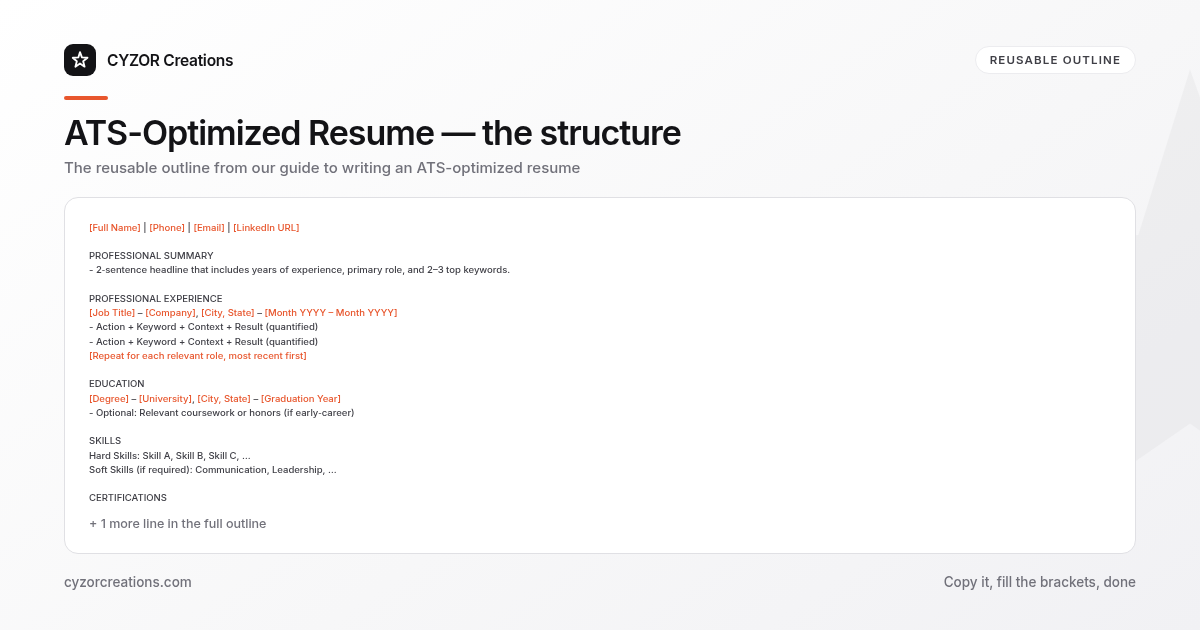
[Full Name] | [Phone] | [Email] | [LinkedIn URL]

PROFESSIONAL SUMMARY
- 2‑sentence headline that includes years of experience, primary role, and 2–3 top keywords.

PROFESSIONAL EXPERIENCE
[Job Title] – [Company], [City, State] – [Month YYYY – Month YYYY]
- Action + Keyword + Context + Result (quantified)
- Action + Keyword + Context + Result (quantified)
[Repeat for each relevant role, most recent first]

EDUCATION
[Degree] – [University], [City, State] – [Graduation Year]
- Optional: Relevant coursework or honors (if early‑career)

SKILLS
Hard Skills: Skill A, Skill B, Skill C, …
Soft Skills (if required): Communication, Leadership, …

CERTIFICATIONS
- Certification Name, Issuing Body – [Year]
Copy this skeleton into a new document for each application, then replace the placeholders with the tailored content from steps 1‑5.
Common Mistakes to Avoid
- Using tables or columns. Most ATS parsers read left‑to‑right and will drop everything after a table cell.
- Embedding keywords in a “cloud” or graphic. Text inside an image is invisible to the parser.
- Over‑keywording. Repeating the same term ten times looks spammy and can trigger a rejection.
- Leaving out dates. Missing start/end months confuses the system’s chronology algorithm.
- Submitting a PDF that isn’t text‑based. Scanned PDFs become images; the ATS cannot extract any data.
A Short Example (Illustrative Excerpt)
PROFESSIONAL SUMMARY
Strategic marketing manager with 7 years of experience driving brand growth through SEO, content strategy, and paid media campaigns.

PROFESSIONAL EXPERIENCE
Marketing Manager – BrightWave Corp., Austin, TX – Jan 2020 – Present
- Developed and executed SEO roadmap that increased organic traffic by 42 % within 12 months, aligning with the company’s “digital‑first” initiative.
- Managed a $1.2 M paid media budget, optimizing CPC by 18 % while maintaining a 3.5 × ROAS.
- Led cross‑functional team of 8 to launch 15 product‑specific content hubs, boosting lead conversion rates from 3 % to 7 %.
Notice the clean layout, the early placement of keywords (“SEO,” “paid media,” “ROAS”), and the quantified results.
Pro Tips (3–5 Nuggets for the Savvy Applicant)
- Mirror the posting’s hierarchy. If the job description lists “Project Management → Agile → Scrum,” reflect that order in your bullet points (“Managed Agile Scrum projects…”).
- Use the “Skills” section for exact abbreviations. If the posting says “JavaScript (ES6),” list “JavaScript (ES6)” rather than just “JavaScript.”
- Save a master version. Keep a master resume with a superset of keywords; for each application, copy it and delete any irrelevant items to stay under the 15‑skill limit.
- Test with a plain‑text dump. After finalizing, copy the whole document into a plain‑text editor, then back‑paste into a new file. If the text looks scrambled, the ATS will likely misread it.
- Update your summary each time. A static summary quickly becomes stale; refresh it to match the newest posting’s top three requirements.
Follow this workflow, and you’ll produce a resume that slides through the ATS filter and lands on a recruiter’s desk—ready for the next step in the hiring process.