Why a strong LinkedIn profile matters (and where most people stumble)
A LinkedIn profile is often the first digital handshake a recruiter, potential client, or industry peer extends. It can open doors to new projects, mentorship, or even a career pivot. Yet many users treat the page like a résumé copy‑paste, leaving the headline vague, the summary a wall of jargon, and the experience section un‑contextualised. The result is a profile that blends into the feed instead of standing out.
Step by Step
- Define your “value proposition” – Before you type anything, write a one‑sentence answer to “What do I help people achieve?” For example: “I help SaaS startups cut customer‑acquisition costs by 30 % through data‑driven growth experiments.” This sentence will become the backbone of your headline and summary.
- Craft a headline that sells, not just a job title – LinkedIn allows 220 characters; use them to combine role, specialty, and outcome. Instead of “Product Manager at XYZ Corp,” try “Product Manager | Growth‑focused SaaS | Driving 20 % YoY revenue lift.” The pipe symbol (|) separates ideas cleanly and improves readability.
- Write a summary that tells a story – Structure the 2,600‑character “About” section as a mini‑narrative:
- Hook (1‑2 sentences): a bold statement or statistic that captures attention.
- Problem (1‑2 sentences): the pain point you noticed in the market.
- Solution (2‑3 sentences): how you addressed it, with concrete metrics.
- Call to action (1 sentence): invite the reader to connect, discuss a project, or explore collaboration.
Keep the tone conversational but professional; avoid buzzword clusters like “synergistic paradigm shift.”
- Populate the Experience section with results, not responsibilities – For each role, list 3‑4 bullet points that follow the formula Action + Context + Outcome. Example: “Led a cross‑functional team of 8 to redesign the onboarding flow, reducing churn from 12 % to 7 % within three months.” Quantify whenever possible; percentages, dollar amounts, and timeframes make impact tangible.
- Add a “Featured” block with proof points – Upload a PDF case study, a slide deck, or a link to a published article that showcases your work. Choose items that reinforce the narrative you built in the summary and experience sections.
- Select skills strategically – LinkedIn lets you list up to 50 skills, but only the top three appear prominently. Prioritise the ones most aligned with your value proposition (e.g., “Growth Marketing,” “Product Analytics,” “A/B Testing”). Ask 2‑3 trusted colleagues to endorse those skills; a small, targeted endorsement list looks more credible than a long, unfocused one.
- Polish the “Contact & Personal Info” area – Include a professional email address, a link to a personal portfolio (if you have one), and a short, memorable tagline. Turn the “Open to work” toggle on if you’re actively job‑searching, and specify the types of opportunities you’re interested in.
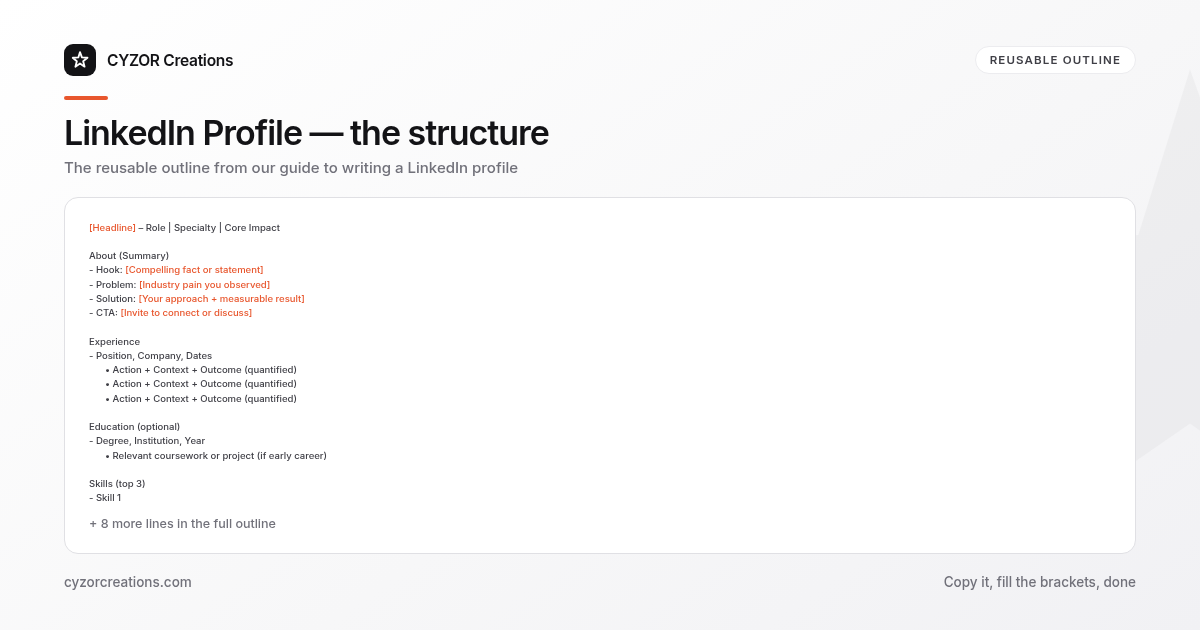
A Simple Structure to Follow
[Headline] – Role | Specialty | Core Impact

About (Summary)
- Hook: [Compelling fact or statement]
- Problem: [Industry pain you observed]
- Solution: [Your approach + measurable result]
- CTA: [Invite to connect or discuss]

Experience
- Position, Company, Dates
 • Action + Context + Outcome (quantified)
 • Action + Context + Outcome (quantified)
 • Action + Context + Outcome (quantified)

Education (optional)
- Degree, Institution, Year
 • Relevant coursework or project (if early career)

Skills (top 3)
- Skill 1
- Skill 2
- Skill 3

Featured
- Link or upload that validates your claims

Contact
- Email | Portfolio URL | Location (optional)
Copy‑paste this skeleton into a new draft, then replace each placeholder with your own data. The format forces you to keep every section purpose‑driven and metric‑rich.
Common Mistakes to Avoid
- Using a generic headline – “Marketing Professional” tells no one what you actually deliver.
- Listing duties instead of achievements – “Managed social media accounts” reads like a job description, not a performance indicator.
- Overloading the summary with buzzwords – Phrases like “dynamic thought leader” dilute credibility.
- Neglecting visual proof – A profile without a featured case study or portfolio looks unsubstantiated.
- Leaving the profile incomplete – Empty sections (e.g., “Volunteer Experience”) signal lack of attention to detail.
A Short Example
Headline
Growth Product Manager | SaaS | Driving 20 % YoY revenue lift

About
I turn data into growth. In 2022, I noticed that early‑stage SaaS firms lose up to 30 % of trial users within the first week. By implementing a segmented onboarding experiment, I increased activation from 45 % to 68 % in six weeks, adding $250k ARR. Let’s chat if you’re looking to accelerate user adoption without expanding headcount.
The example follows the hook‑problem‑solution‑CTA pattern, embeds a clear metric, and ends with an invitation.
Pro Tips
- Refresh quarterly – Update one metric or add a new project every three months to keep the profile current and signal ongoing impact.
- Leverage the “Open to” settings – Specify not just “full‑time,” but also “contract” or “advisor” roles; this widens the algorithm’s reach.
- Mirror language from job postings you target – Recruiters often search using exact phrases; if a posting repeatedly mentions “customer‑success metrics,” weave that phrase into your headline or skills.
- Add a short video introduction – A 30‑second clip where you state your value proposition can boost engagement, especially for roles that value communication skills.
- Ask for a “recommendation” that includes numbers – A colleague’s endorsement that says “Jane increased our churn‑reduction experiment’s impact by 15 %” carries more weight than a generic praise.
With a clear value proposition, quantifiable achievements, and a tidy structure, your LinkedIn profile becomes a concise marketing asset rather than a static résumé. Follow the steps, avoid the pitfalls, and treat the page as a living showcase of your professional story.