Why a marketing pack matters – and where most people stumble
A restaurant’s marketing pack is the single document you hand to journalists, event planners, corporate buyers, and influencers when you want them to talk about your venue. It condenses the story, the numbers, and the visual identity into a format that can be skimmed in ten seconds or studied in depth later.
Most owners either dump a menu and a photo collage into an email, or they write a vague “we’re great” paragraph. The result is a pack that gets ignored, because busy editors need clear headlines, hard data, and ready‑to‑use assets. The hardest part is not gathering the material—it’s shaping it into a narrative that answers the reader’s questions before they ask them.
Step by Step
- Define the target audience – List the three primary groups you’ll pitch to (e.g., local food editors, corporate catering managers, wedding planners). For each, note the key decision factor: editorial angle, budget ceiling, or event theme.
- Gather hard facts – Compile a one‑page data sheet with:
- Seating capacity (indoor/outdoor)
- Average check size and price range
- Year‑to‑date revenue growth or foot‑traffic increase (percentage)
- Awards, certifications, and health‑inspection scores
- Opening hours and reservation lead time Keep the numbers up‑to‑date; a stale figure erodes credibility.
- Craft a concise brand story – Write a 150‑word “core narrative” that answers: who you are, why you opened, and what makes the experience unique. Include a hook (e.g., “the only rooftop sushi bar in the city”) and a quote from the chef or founder.
- Select visual assets – Choose three high‑resolution photos: a signature dish, the interior ambience, and a behind‑the‑scenes kitchen shot. Add a logo file (transparent PNG) and a brand‑color palette (hex codes). All images should be 300 dpi and no larger than 2 MB each.
- Write the copy blocks – Break the pack into reusable sections:
- Headline (max 8 words) that captures the angle you want the editor to run with.
- Key bullet points (5‑7 items) that summarize the data sheet.
- Menu highlights (short description of 3–5 dishes, with ingredients and price).
- Contact sheet (name, phone, email, social handles). Keep each paragraph under 3 sentences; use active verbs and avoid jargon.
- Assemble the PDF – Use a clean, single‑column layout with generous white space. Place the headline on the first page, followed by the brand story, then the data sheet, visuals, and finally the contact sheet. Export with PDF/A‑1b compliance to guarantee cross‑platform fidelity.
- Test the pack – Send it to a colleague who isn’t familiar with your restaurant. Ask: “What’s the main takeaway?” and “Is any information missing for a media pitch?” Revise based on the feedback, then store the final PDF in a shared drive with a version‑controlled filename (e.g., RestaurantName_MarketingPack_v3_2024-09.pdf).
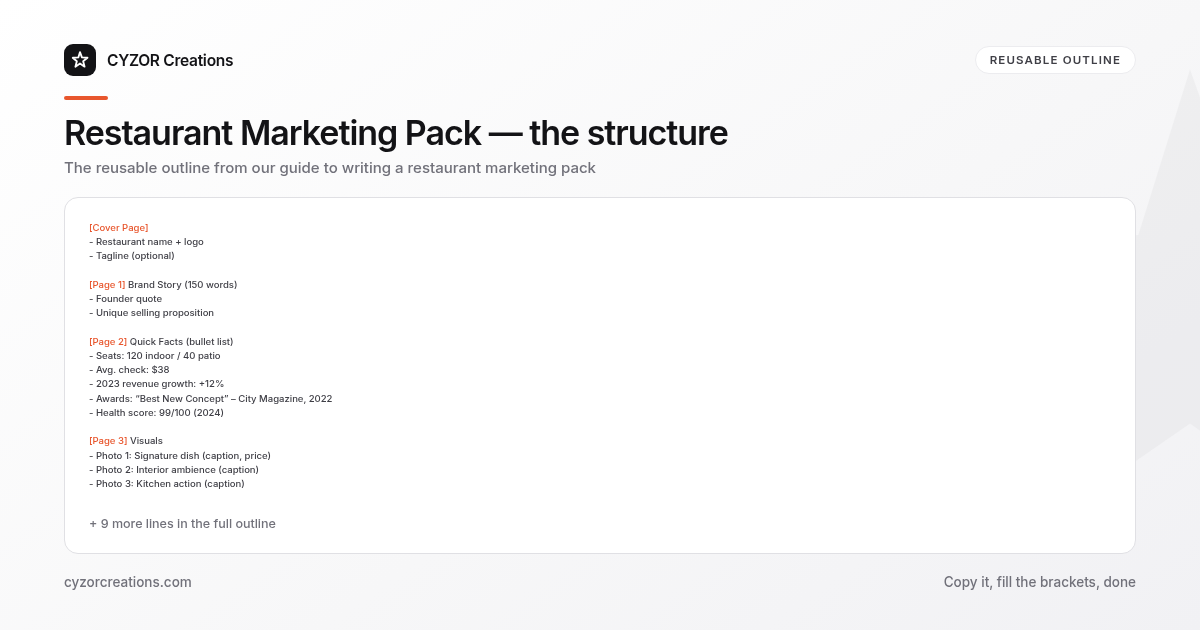
A Simple Structure to Follow
[Cover Page]
- Restaurant name + logo
- Tagline (optional)

[Page 1] Brand Story (150 words)
- Founder quote
- Unique selling proposition

[Page 2] Quick Facts (bullet list)
- Seats: 120 indoor / 40 patio
- Avg. check: $38
- 2023 revenue growth: +12%
- Awards: “Best New Concept” – City Magazine, 2022
- Health score: 99/100 (2024)

[Page 3] Visuals
- Photo 1: Signature dish (caption, price)
- Photo 2: Interior ambience (caption)
- Photo 3: Kitchen action (caption)

[Page 4] Menu Highlights
1. Dish A – description – $22
2. Dish B – description – $18
3. Dish C – description – $24

[Page 5] Contact & Social
- PR contact: Jane Doe, 555‑123‑4567, jane@restaurant.com
- Instagram: @restaurantname
- Website: www.restaurantname.com
Copy and paste this skeleton into your preferred document editor; replace the placeholders with your own data. The consistent order lets any reader locate the information they need in seconds.
Common Mistakes to Avoid
- Overloading with menu items – Editors care about the story, not a full menu. Stick to 3–5 signature dishes.
- Using low‑resolution images – Pixelated photos look unprofessional and are often rejected outright.
- Leaving out a clear call‑to‑action – Never assume the reader knows what to do next; always include “For interviews, contact…”.
- Mixing fonts and colors – A chaotic visual style distracts from the content and weakens brand consistency.
- Sending a dated pack – If the revenue figure is from two years ago, the whole document feels stale; schedule a quarterly update.
A Short Example
> Headline: “City’s First Farm‑to‑Table Tapas Bar Opens Downtown”
>
> Brand Story: In 2021, chef‑owner Luis Martínez left the high‑rise corporate kitchen to create a neighborhood spot where every plate could be traced back to a local farm. The result is La Huerta, a 70‑seat tapas bar that serves 12‑inch‑wide plates sourced within a 30‑mile radius. “We wanted diners to taste the season, not the supply chain,” Martínez says.
>
> Quick Facts:
> - Seats: 70 indoor, 20 patio
> - Avg. check: $27
> - 2024 foot‑traffic increase: +15% YoY
> - Awards: “Best Small Plates” – Foodie Awards, 2023
> - Health inspection: 100/100 (2024)
>
> Menu Highlight: Octopus a la Gallega – Charcoal‑grilled octopus, smoked paprika, sea salt, and a drizzle of local olive oil – $19.
This excerpt fits on a single page and gives a journalist everything needed to write a feature or a quick news blurb.
Pro Tips
- Create a “media‑ready” email template – Include a one‑sentence pitch, a link to the PDF, and a short bio of the spokesperson. Having this ready cuts the turnaround time from hours to minutes.
- Track usage with a unique URL – Host the PDF on a cloud service that provides download analytics. Knowing which outlets request the pack helps you prioritize follow‑ups.
- Refresh the visual set seasonally – Swap one dish photo and update the caption to reflect the current menu; the rest of the pack stays the same, keeping the document fresh without a full redesign.
- Add a QR code to the cover page – Encode the PDF link so that a journalist can scan the code on a printed press kit and instantly receive the latest version.
- Maintain a change log – In the filename or the first page, note the version number and the date of the last update. This prevents accidental distribution of outdated data and reassures recipients that they have the most current information.