Why a solid outline matters – and where people stumble
A clear outline is the blueprint that keeps an online course from turning into a loose collection of videos. It tells learners what they’ll achieve, guides you through content creation, and makes it easy to spot gaps before you record a single slide. Most creators falter at two points: they either start with a vague goal (“teach Photoshop”) and end up with dozens of unrelated lessons, or they try to map every minute of content up front and get stuck in analysis paralysis. A good outline strikes a middle ground—specific enough to give direction, flexible enough to evolve.
Step by Step
- Define the learner persona Write a one‑sentence description of the ideal student (e.g., “Emily, a freelance graphic designer who wants to automate repetitive Photoshop tasks”). List her current skill level, time constraints, and the problem she’s trying to solve. This persona will shape language, depth, and pacing.
- State the overarching learning outcome Turn the course title into a measurable result. Instead of “Learn Python,” use “Write a Python script that reads a CSV file, filters rows by a date range, and outputs a new file.” The outcome must be observable and testable.
- Break the outcome into 3‑5 core modules Each module should represent a logical milestone toward the final outcome. For the Python example:
- Module 1: Set up the development environment
- Module 2: Read and explore CSV data
- Module 3: Filter data by date
- Module 4: Write the filtered data to a new file
- Draft 2‑4 learning objectives per module Use the “I can…” format. Example for Module 2:
- I can import a CSV file into a pandas DataFrame.
- I can display the first ten rows and summarize column types.
- Sketch the lesson sequence inside each module List the concrete actions you’ll demonstrate, the concepts you’ll explain, and any practice activity. Keep the sequence tight: concept → demonstration → hands‑on → quick check.
- Identify assessment points Decide where you’ll place quizzes, mini‑projects, or checkpoints. A short quiz after Module 2, a coding challenge after Module 3, and a final project that combines all steps work well.
- Add optional “extras” and timing notes For each lesson, note the estimated runtime (e.g., “5‑minute intro,” “12‑minute demo”) and any supplemental resources (downloadable data set, cheat sheet). Mark items as “core” or “optional” so you can trim later without breaking the flow.
A Simple Structure to Follow
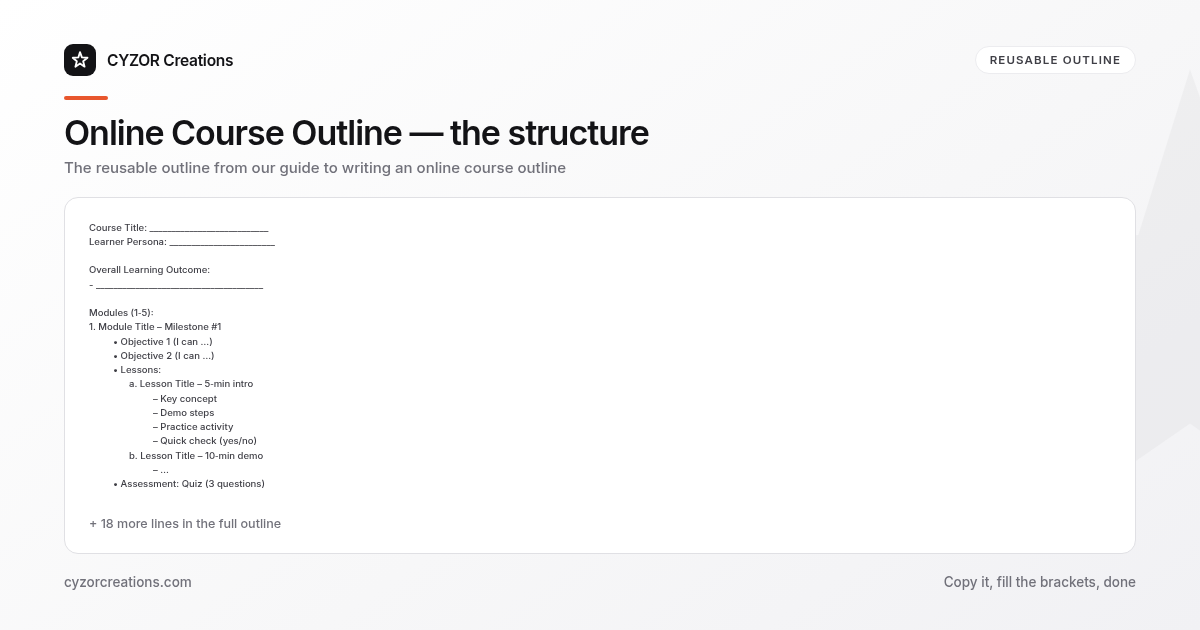
Below is a reusable template you can copy into a plain‑text document or spreadsheet. Replace the placeholders with your own content.
Course Title: ___________________________
Learner Persona: ________________________

Overall Learning Outcome:
- ______________________________________

Modules (1‑5):
1. Module Title – Milestone #1
   • Objective 1 (I can …)
   • Objective 2 (I can …)
   • Lessons:
     a. Lesson Title – 5‑min intro
        – Key concept
        – Demo steps
        – Practice activity
        – Quick check (yes/no)
     b. Lesson Title – 10‑min demo
        – …
   • Assessment: Quiz (3 questions)

2. Module Title – Milestone #2
   • Objective 1 …
   • Objective 2 …
   • Lessons:
     a. …
   • Assessment: Coding challenge

3. … (repeat as needed)

Final Project:
- Description
- Success criteria
- Required assets

Optional Extras:
- Bonus video: …
- Printable cheat sheet
- Community discussion prompts
The template forces you to answer three questions for every lesson: What will the learner know? How will you show it? How will you test it? If any cell stays blank, the outline is incomplete.
Common Mistakes to Avoid
- Over‑loading a module – packing ten lessons into a single milestone makes the learner lose sight of progress.
- Vague objectives – “understand loops” is too broad; “write a for‑loop that iterates over a list” is testable.
- Skipping assessments – without checkpoints you won’t know whether learners are keeping up.
- Assuming prior knowledge – if you expect familiarity with basic Git commands, state that explicitly or provide a primer.
- Neglecting pacing – a 45‑minute lesson is a marathon; break it into 10‑minute chunks with a short activity in between.
A Short Example
Course: Build a Personal Budget Tracker in Google Sheets
Learner Persona: Alex, a college student who tracks expenses manually and wants an automated spreadsheet.
Overall Learning Outcome
- Alex can create a Google Sheet that imports bank CSV files, categorizes transactions, and visualizes monthly spending.
Module 2 – Import and Clean Data
- Objective 1: I can upload a CSV file to Google Sheets and convert it to a table.
- Objective 2: I can use formulas to standardize date formats and remove duplicate rows.
Lesson 2‑a – Uploading the CSV (6 min)
- Explain the “File → Import” workflow.
- Demonstrate selecting “Replace current sheet.”
- Practice: learners upload a sample CSV provided in the resources.
Lesson 2‑b – Normalizing Dates (9 min)
- Show the
DATEVALUEfunction and how to wrap it inARRAYFORMULA. - Demo: convert the “Transaction Date” column to proper dates.
- Quick check: a multiple‑choice question asking which formula yields a serial date.
Assessment – Mini‑quiz with three questions on import options and date conversion.
Pro Tips
- Write objectives before you write titles – the objective forces you to think about the learner’s action, which then informs a concise lesson title.
- Use a “reverse‑engineered” test: draft the final project rubric first, then work backward to ensure each module supplies the required skills.
- Batch similar lessons – keep all data‑import steps together, all visualization steps together. This reduces cognitive load and makes editing easier.
- Allocate “buffer” time – add a 5‑minute “what if we run out of time?” note to each module; you can trim the buffer without harming the core flow.
- Iterate with a peer review – share the outline with someone who matches the learner persona. If they can’t predict the final outcome from the outline alone, the structure needs tightening.
With a disciplined outline, the rest of the course‑building process—recording, editing, publishing—becomes a series of predictable steps rather than a series of surprises. Use the template, watch for the listed pitfalls, and you’ll deliver a course that moves learners from confusion to competence with minimal friction.