Why a shop pack matters – and where writers stumble
A shop pack is the single reference you hand to collaborators, printers, and future team members. It captures the visual language, tone of voice, pricing logic, and fulfillment rules that keep every order consistent. When the pack is vague, you’ll see mismatched packaging, contradictory policies, and a brand that feels scattered. Most sellers get stuck at two points: trying to cram everything into one document and forgetting to separate “what we say” from “what we do.” The guide below walks you through a disciplined process that prevents those pitfalls.
Step by Step
- Gather all existing assets – Pull every logo file, banner, product photo, and past policy page into a single folder. Name each file with a clear suffix (e.g.,
logo-primary.png,policy‑shipping.docx). This inventory will reveal gaps before you start writing. - Define the brand core – Write a 2‑sentence mission statement and a 5‑word brand adjective list (e.g., “hand‑crafted, sustainable, playful, minimalist, reliable”). Keep this block at the top of the pack; it sets the tone for every subsequent section.
- Map the customer journey – Sketch a simple flowchart: discovery → product page → cart → checkout → shipping → post‑purchase. For each touchpoint, note the exact copy that appears (title, button label, confirmation email). This map becomes the “voice guide” section.
- Draft the policy suite – Break policies into four mandatory categories: Payment, Shipping, Returns & Exchanges, Privacy. Use a consistent template:
- Header (e.g., “Shipping”)
- One‑sentence summary
- Bulleted details (processing time, carrier options, tracking availability)
- FAQ snippet (optional)
- Create the visual style guide – List primary and secondary colors with HEX codes, typography hierarchy (font family, weight, size for headings, body, captions), and image style rules (background, lighting, aspect ratio). Include a “do / don’t” grid with two example images for each rule.
- Assemble the layout – Choose a clean, printable format (A4 portrait works for most printers). Allocate a page for each major section: brand core, voice guide, policies, visual style, and a final “quick‑reference” cheat sheet. Use consistent margins (2 cm) and heading styles so the pack reads like a mini‑brand manual.
- Review, test, and lock – Send the draft to a trusted friend who has never seen your shop. Ask them to locate the shipping policy, identify the primary brand color, and describe the tone in one word. Incorporate any confusion points, then export the final version as a PDF with password protection if you share it externally.
A Simple Structure to Follow
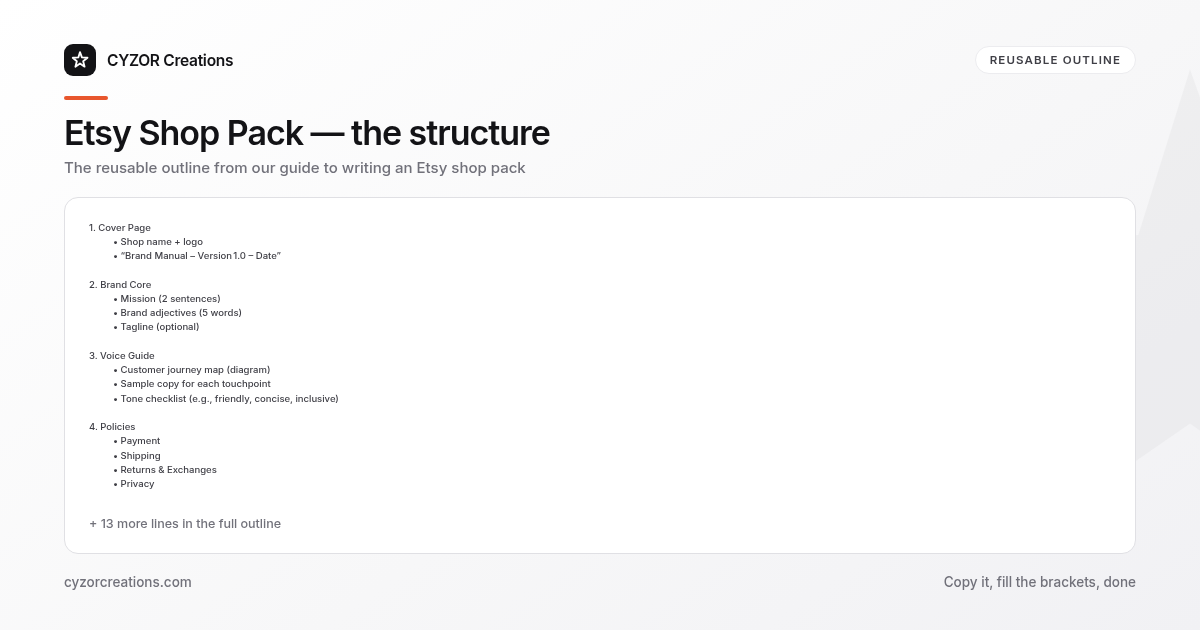
1. Cover Page
   • Shop name + logo
   • “Brand Manual – Version 1.0 – Date”

2. Brand Core
   • Mission (2 sentences)
   • Brand adjectives (5 words)
   • Tagline (optional)

3. Voice Guide
   • Customer journey map (diagram)
   • Sample copy for each touchpoint
   • Tone checklist (e.g., friendly, concise, inclusive)

4. Policies
   • Payment
   • Shipping
   • Returns & Exchanges
   • Privacy

5. Visual Style
   • Color palette (HEX / CMYK)
   • Typography (font families, sizes)
   • Image guidelines (lighting, background, composition)
   • Logo usage (clear space, minimum size)

6. Quick‑Reference Sheet
   • One‑page summary of policies
   • Color swatches
   • Contact info for support

7. Revision Log
   • Date, author, change description
Copy the outline into a new document and fill each placeholder. The consistent numbering makes it easy to add sections later without renumbering the whole pack.
Common Mistakes to Avoid
- Mixing policy text with marketing copy – Keep legal language separate; a buyer should never read a promotional tagline inside the return policy.
- Leaving color codes out of the PDF – Without HEX or CMYK values, a printer will guess, leading to mismatched packaging.
- Using vague timeframes – “Ships quickly” is meaningless; specify “Processing time: 1–2 business days; carrier: USPS Priority (2–3 days).”
- Overloading the cover page – A cluttered front page makes the pack look unprofessional; stick to logo, shop name, and version number.
- Skipping the revision log – When you update a shipping fee or add a new product line, the log records the change and prevents outdated copies from circulating.
A Short Example
> Shipping
> We ship all orders within 1–2 business days after payment clears.
> - Domestic (U.S.): USPS Priority Mail (2–3 days), $5.99 flat rate. Tracking included.
> - International: DHL Express, calculated at checkout; delivery 5–10 days.
> - Free shipping threshold: Orders $75+ qualify for free domestic shipping.
> - FAQ: “Can I change my address after I place an order?” – No, but contact us within 12 hours and we’ll try to accommodate.
The snippet sits under the “Policies → Shipping” heading, follows the template, and can be copied directly into the shop’s public policy page.
Pro Tips
- Use a single source of truth for colors – Store the HEX values in a plain‑text file (
colors.txt) and reference that file when you create graphics. If the brand decides to shift from#4A7B9Cto#3F6A8E, you only edit one line. - Create reusable copy blocks – Write the “thank you” email in the voice guide, then copy‑paste it into the order confirmation template. This guarantees the same tone across all communications.
- Version the PDF with a visible date stamp – Place “Version 1.2 – 2024‑09‑15” in the footer of every page. When a collaborator receives the pack, they can instantly verify they have the latest edition.
- Test the visual style on a physical sample – Print a product label using the specified color and font. If the label looks washed out, adjust the CMYK conversion before finalizing the guide.
- Schedule a quarterly audit – Set a calendar reminder every three months to review the pack. Update shipping rates, add new brand adjectives, or replace outdated product photos. A stale pack erodes brand consistency faster than any single mistake.